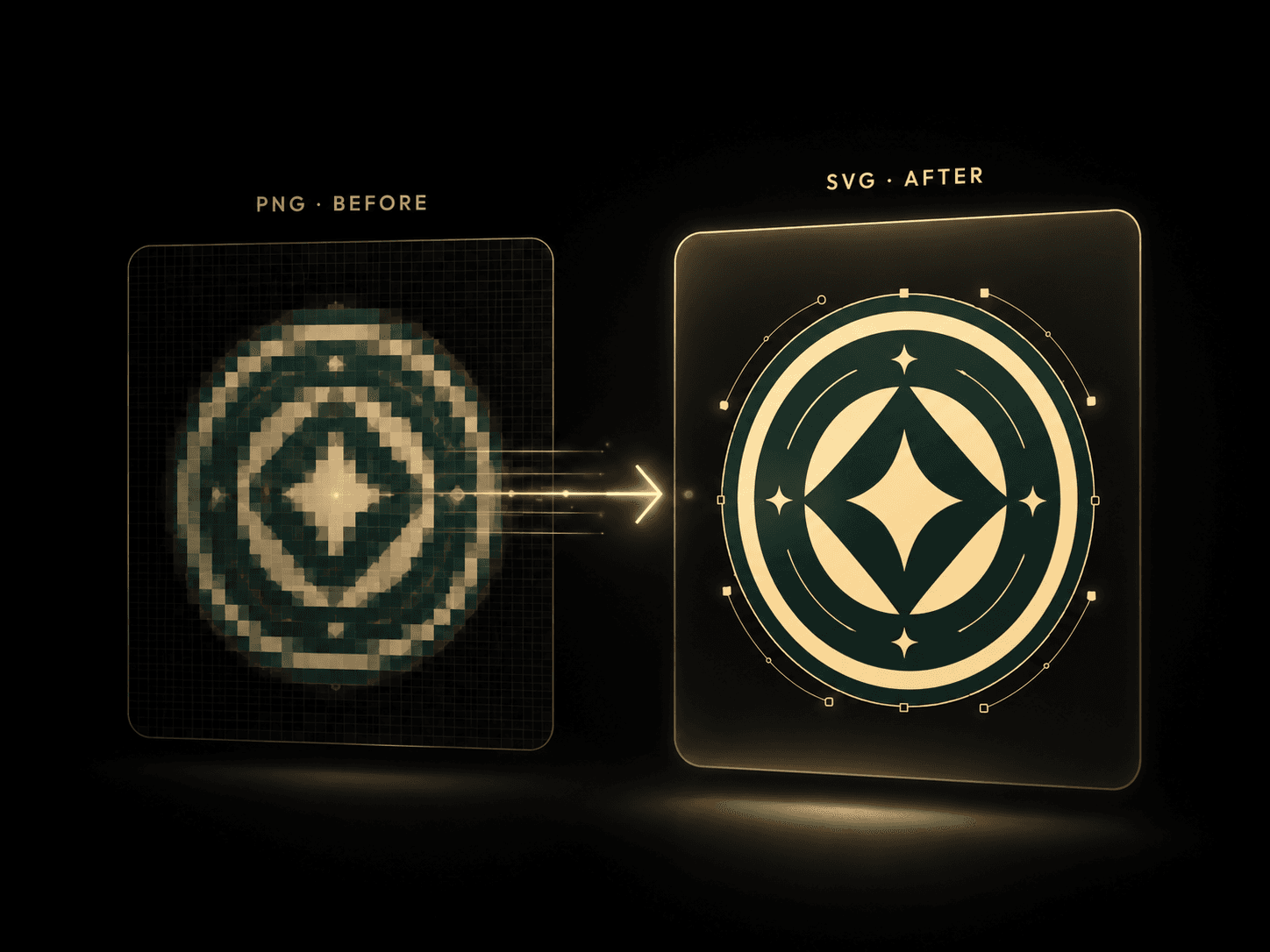
From pixels to clean, editable vectors
Drop a PNG or JPG and get a print-ready SVG built from geometric paths — refine it right in the browser, no Illustrator and no watermarks.
Vectorize raster logos into scalable SVGs
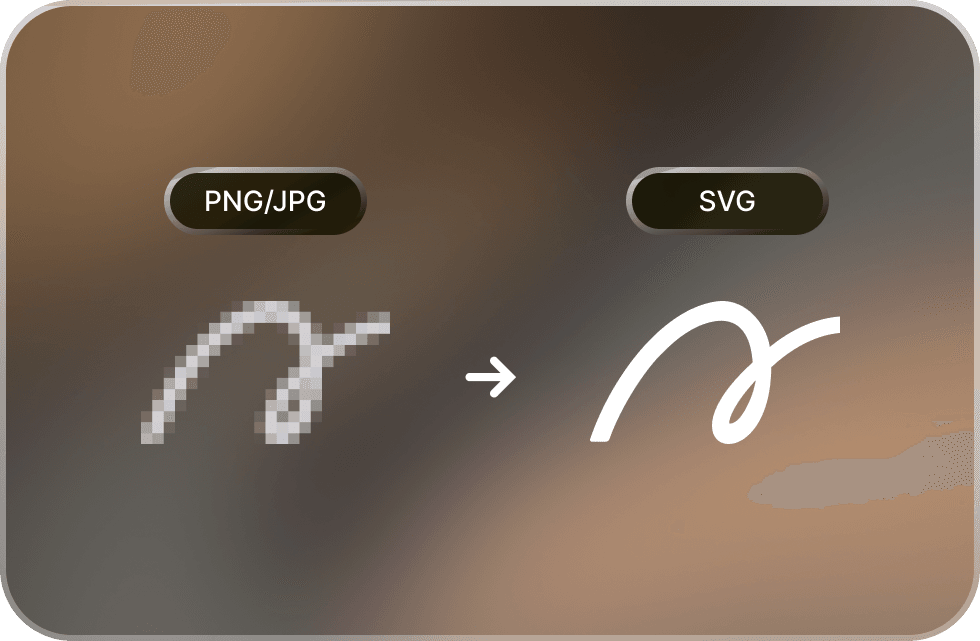
Drop a PNG or JPG and AI traces it into a crisp SVG. Because it’s built from geometric paths, it keeps perfectly clean edges at any zoom — where a raster file breaks down into blocky pixels, the vector stays sharp.
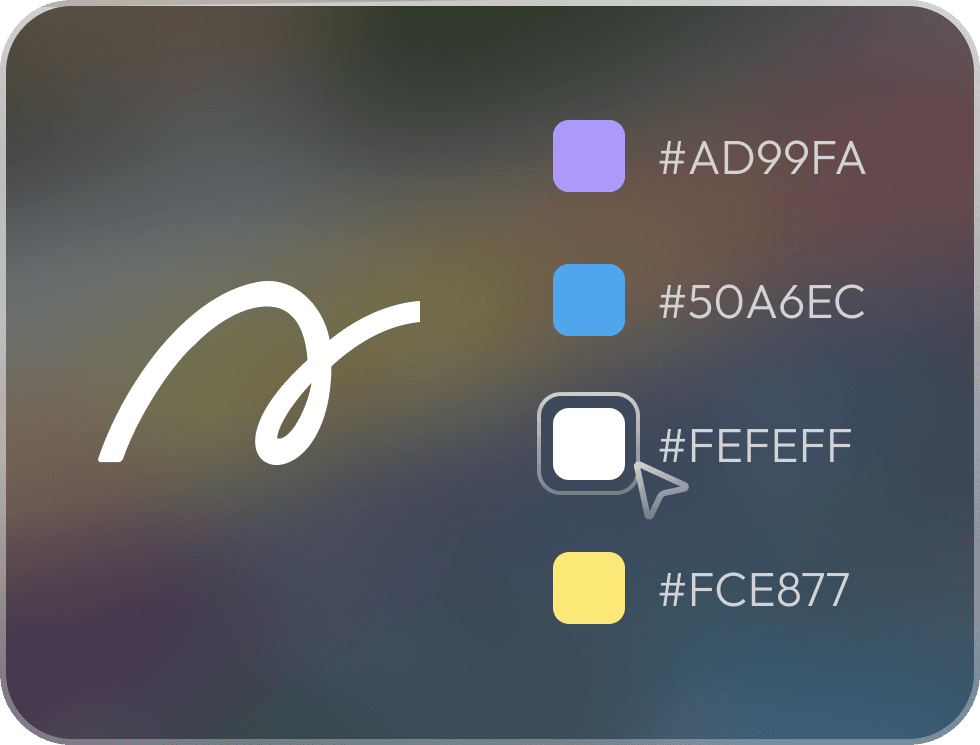
Edit shapes and pick your colors
Once your logo is vectorized, tweak it right in the browser — recolor any shape from the palette, merge stray halos, and drop paths you don’t need before you export.
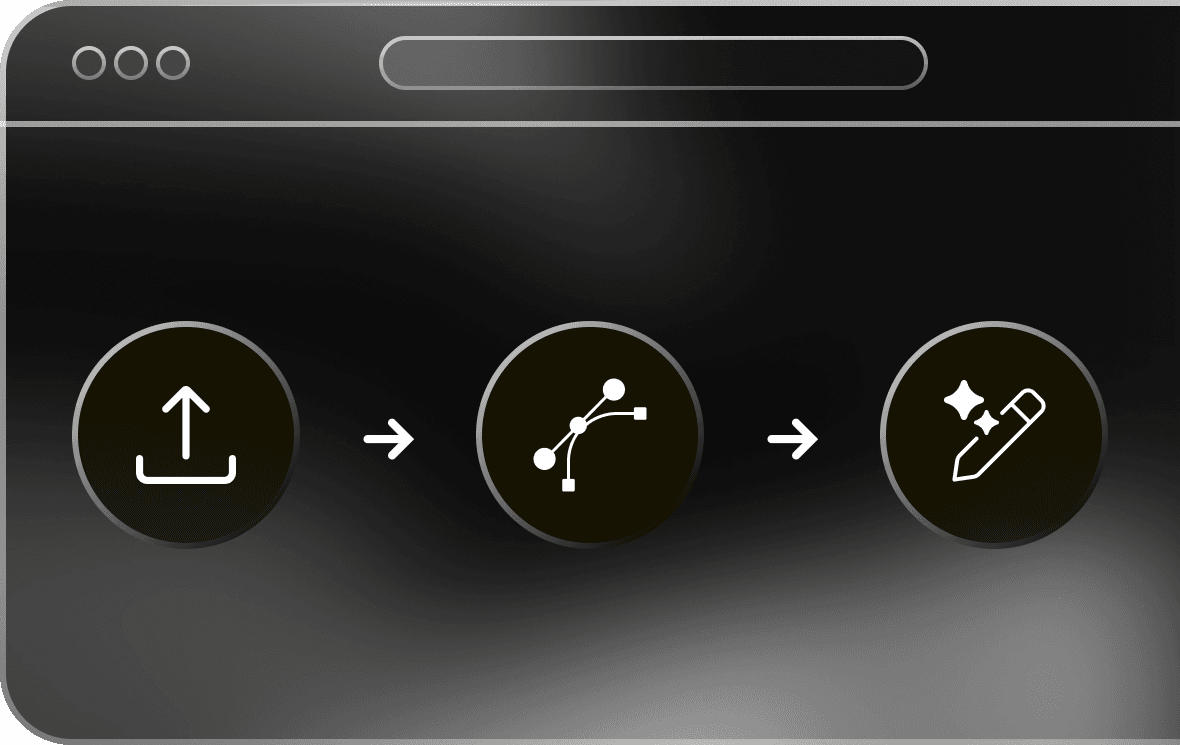
Vectorize and download, all in the browser
No Illustrator, no subscription, no install. Upload, edit, and download a print-ready SVG straight from your browser in a few seconds.

One clean SVG, everywhere your logo goes
Because it’s drawn from geometric paths instead of a fixed grid of pixels, the same file holds its edges from a tiny app icon all the way up to a printed banner — one master vector you can reuse across every channel your brand shows up on.
How to vectorize a logo
From a raster file to a clean, editable SVG in four quick steps — all in your browser.
Frequently asked questions
Upload your PNG or JPG, let the AI trace it into vector paths, then download a clean SVG. The whole thing runs in your browser in a few seconds — no Illustrator needed.
Yes. Vectorize your logos, icons, and sketches and export clean, scalable SVGs with no watermarks — exactly what you’ll ship to production.
Both. Upload a PNG or JPG, run the trace, and download an editable SVG. This is the standard workflow for turning logos, icons, and flat artwork into vector files.
Logos, icons, and flat artwork with clear outlines, strong contrast, and solid colors trace the cleanest. Detailed photographs with heavy gradients or shadows are generally not recommended.
Yes. Recolor any shape from the palette, merge stray halos, pick a tracing style, and remove shapes you don’t need — all in the browser — before exporting your final SVG.
The last vectorizer you’ll ever need
Free, no watermarks, ready for print, merch, and the web.
Vectorize now